🏗️
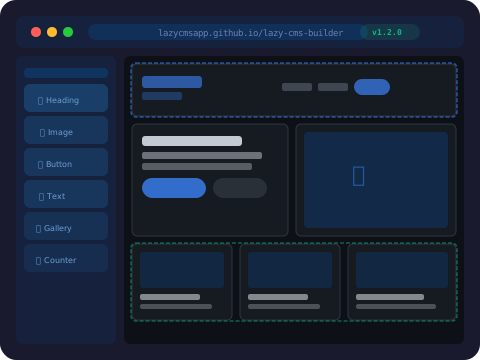
Drag & Drop Page Builder
Build stunning pages visually with Falcon Builder — containers, columns, and built-in elements including heading, text, image, video, button, and post grid. Advanced elements come with Pro.
Explore Falcon Builder

Build powerful websites faster with a drag-and-drop page builder, full e-commerce, and a WordPress-like theme and hook system — all inside Laravel.
Add FalconCMS to your Laravel application with Composer, run the installer, and start managing your content from the dashboard.
composer require falconcms/falconcms
php artisan falcon:install
The installer runs the migrations, publishes assets and the default theme, creates the storage symlink, and creates your admin user. It then prints your login URL — /falcon-admin on a fresh install — along with your credentials.
FalconCMS is a Laravel-native content management system for developers who want the productivity of a CMS without giving up the flexibility of Laravel.
Instead of rebuilding pages, posts, media management, menus, custom content, users, and permissions for every project, FalconCMS provides the foundation so you can focus on the application itself. It installs as a Composer package and runs inside your existing Laravel app, alongside your own routes, models, and service providers.
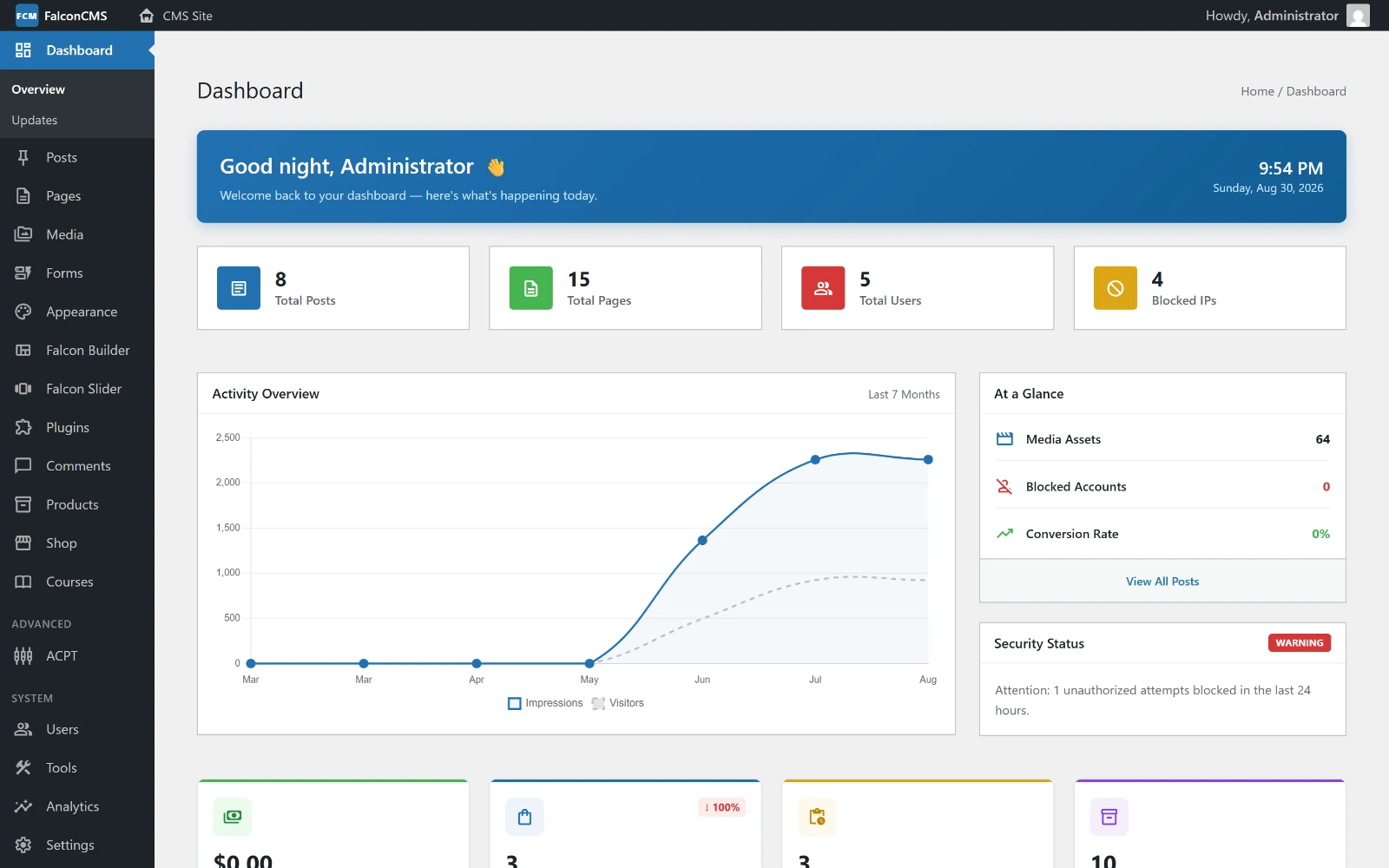
The dashboard after installation — content counts, activity, store metrics, and the full admin menu down the left.
Create custom post types and taxonomies for the content your application actually needs. Simple CPTs are created from Admin → Post Types with no code; Advanced Custom Post Types add custom fields and their own taxonomies.
Properties
├── Title
├── Price
├── Location
├── Images
├── Features
└── Property Type
Create the content from the dashboard, then query and render it through your Laravel application:
$properties = get_falcon_posts([
    'type'  => 'property',
    'limit' => 10,
]);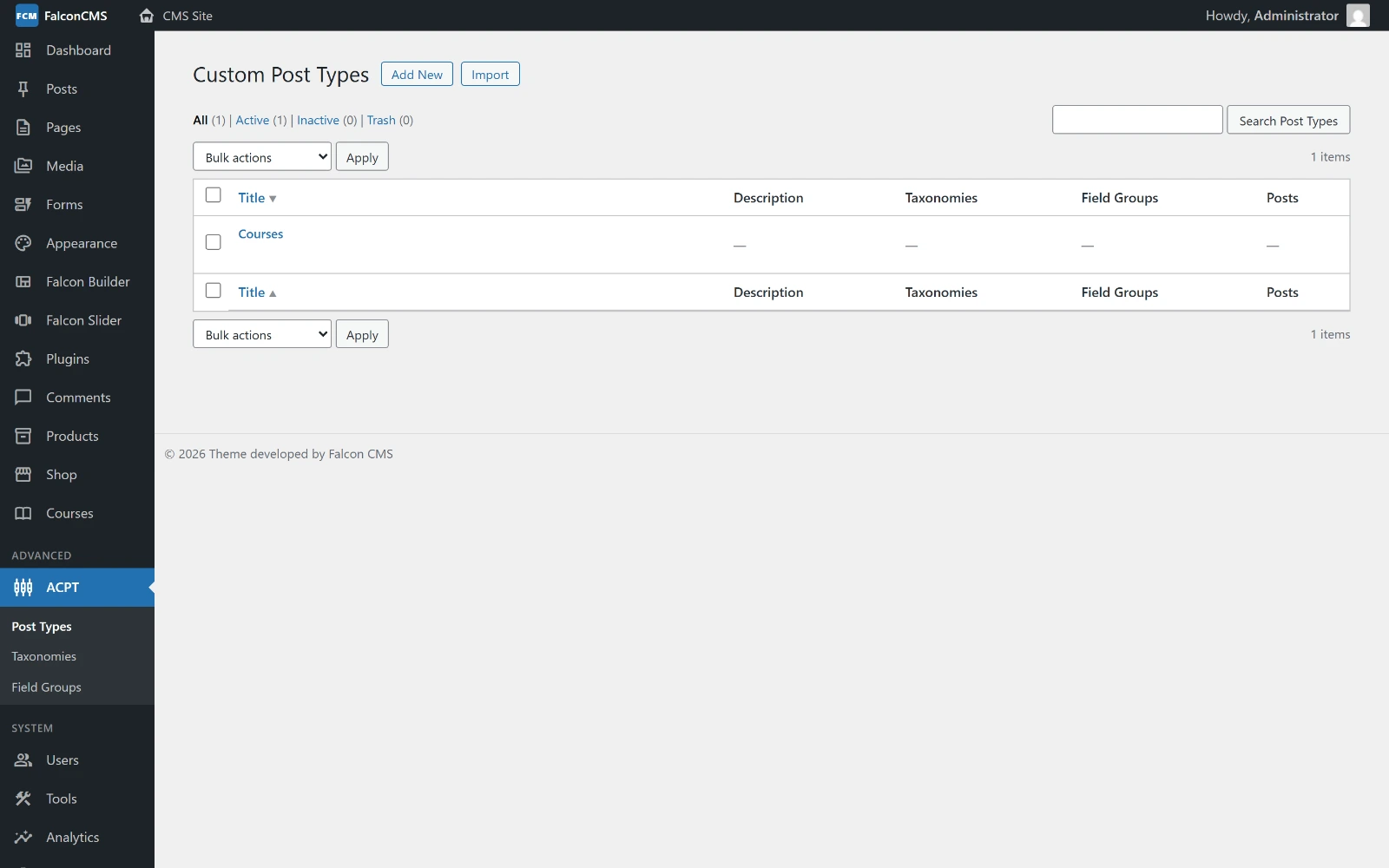
Each custom post type gets its own admin panel, archive, and single view.
Falcon Builder works for pages, posts, custom post types, and the site header and footer.
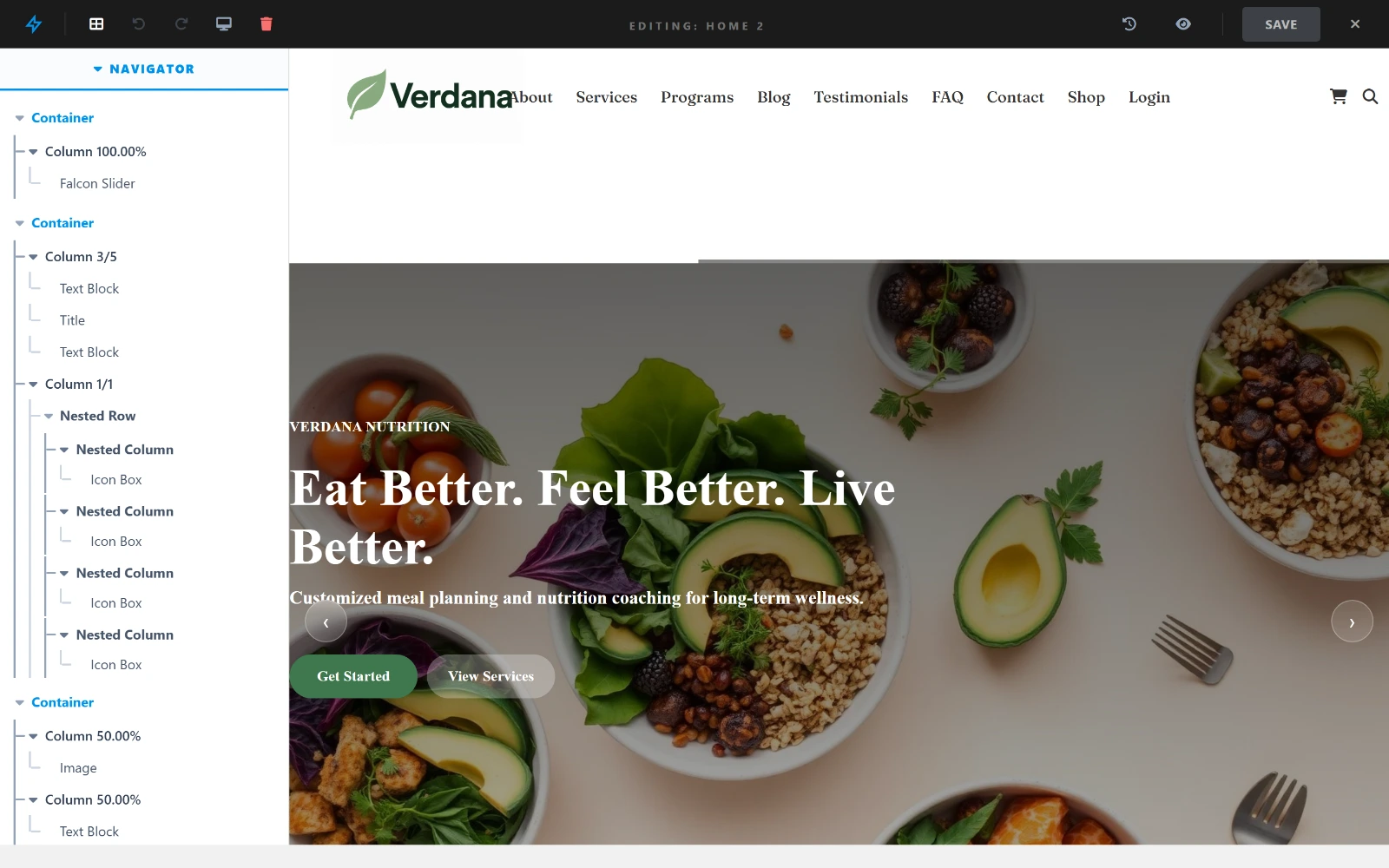
The navigator on the left is the page structure; the canvas on the right is the real theme, rendering as the frontend will serve it.
Editing a page or post with the builder is part of the free core:
Pro adds
The advanced elements (gallery, counter, accordion, tabs, card, icon box, icon list, ticker, menu, HTML and more), the reusable Library, Global Sections, and the Layout Builder that creates and assigns headers and footers.
Read the Falcon Builder Guide · See the Builder in Action
Included in the core
As of v2.2, the full e-commerce system is part of the free FalconCMS core — no Pro license required.
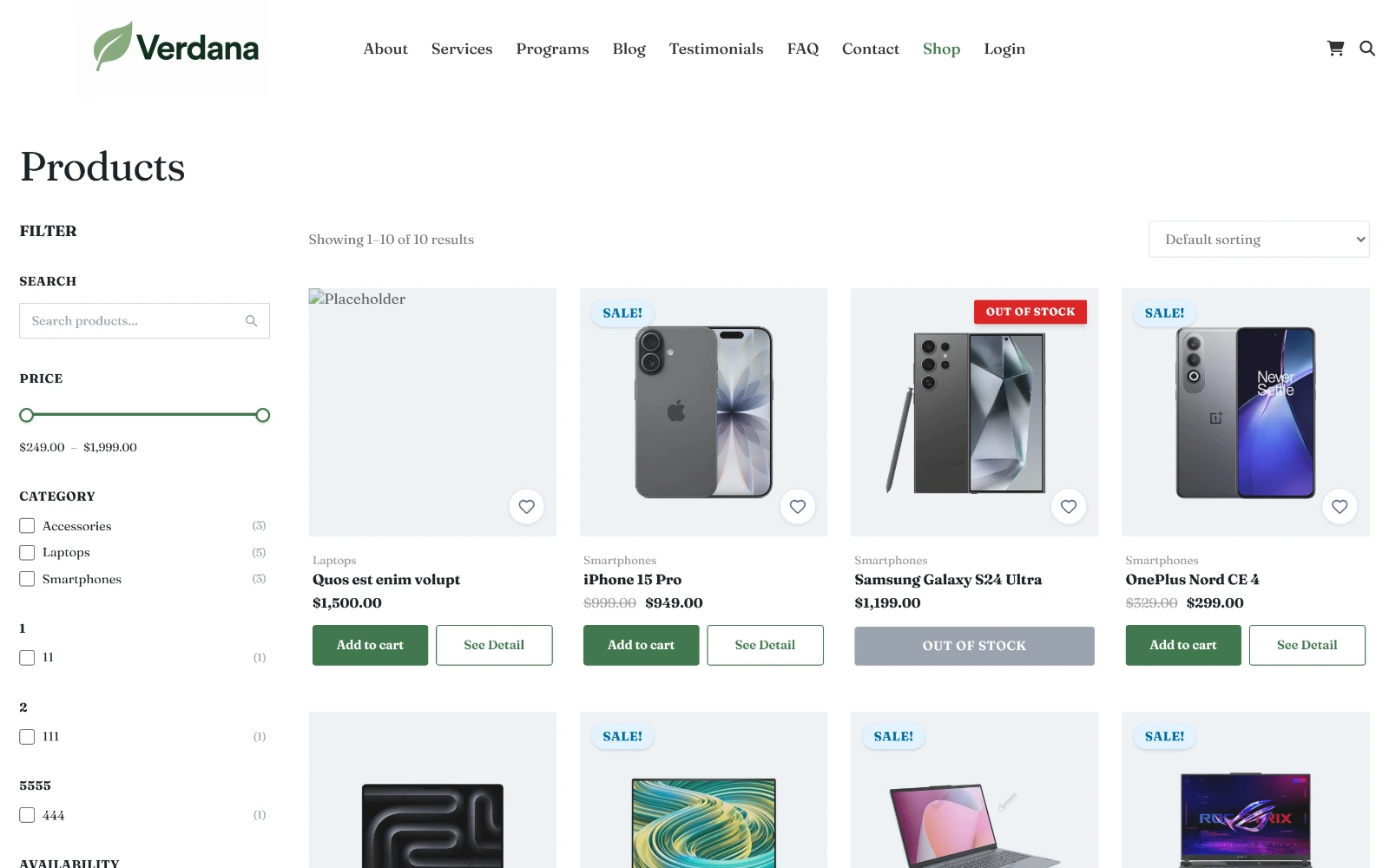
The storefront, rendered by the default theme — filters, sale badges, and add-to-cart, with nothing to build.
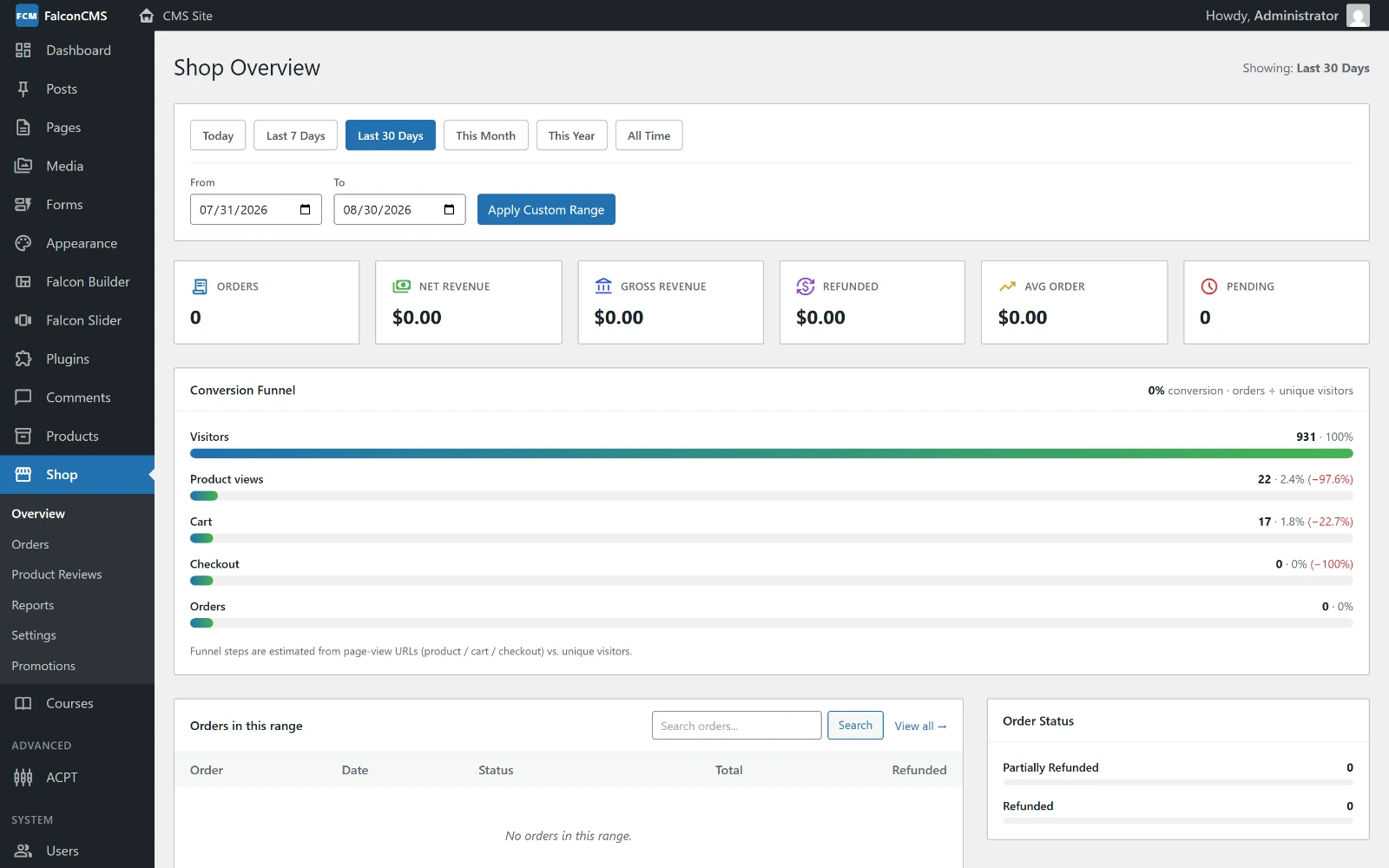
Revenue, orders, and conversion in the dashboard, next to the product catalogue and the order workflow.
Plugins are the functionality layer — reusable extensions that add admin pages, settings, routes, views, database tables, and custom behavior without modifying the CMS core.
php artisan make:plugin "SEO Booster"This scaffolds plugins/seo-booster/ with a manifest, a bootstrap file, and a lifecycle class. Plugins and themes load at the same point in the boot cycle, so a plugin can use every hook a theme can.
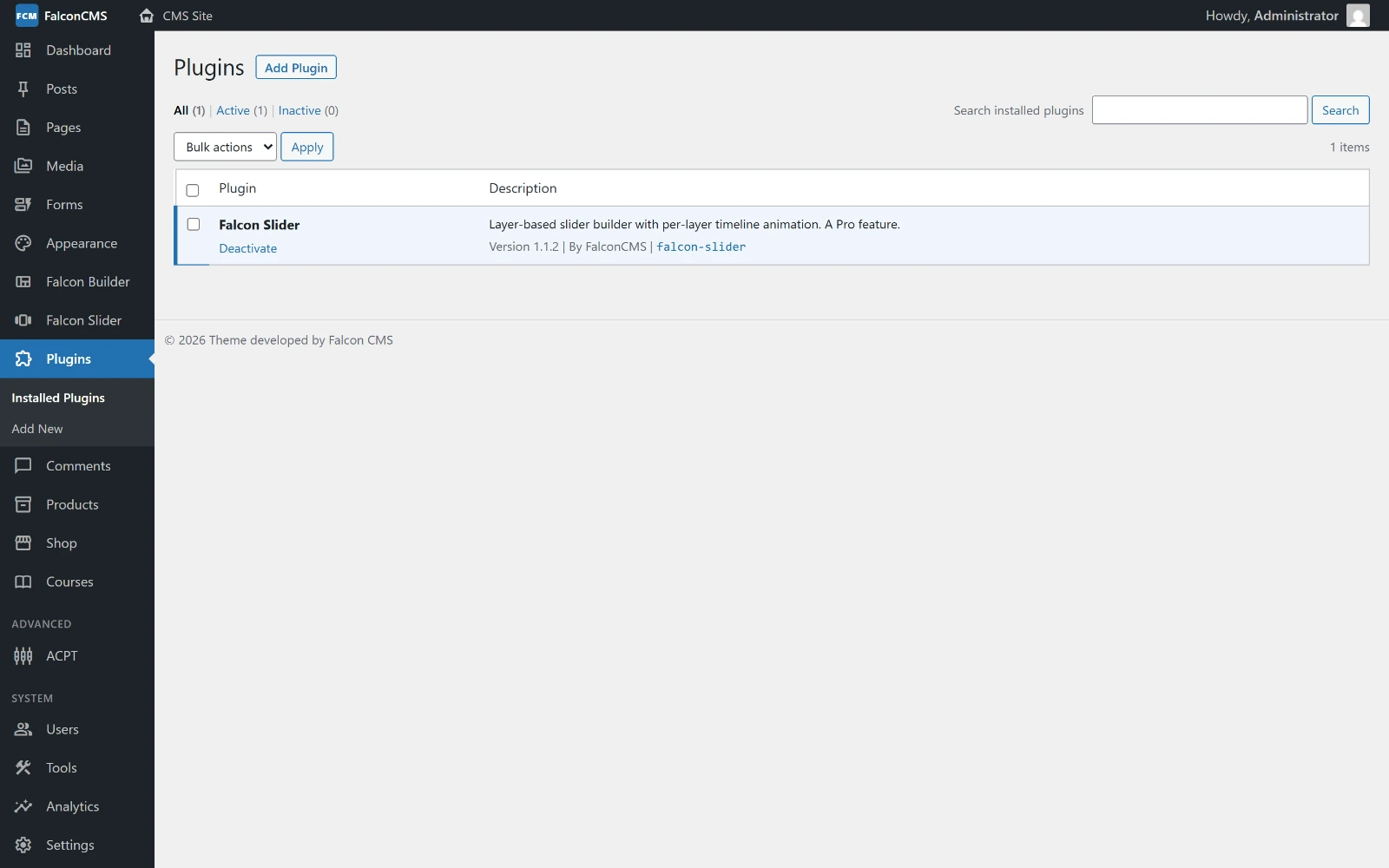
Installed plugins, with activate, deactivate, and delete — or drag a .zip onto the screen to install one.
Read the Plugin Development Guide
Register action and filter hooks from a theme's functions.php, a plugin's plugin.php, or any Laravel service provider.
// Modify post content before it is rendered on the frontend.
add_falcon_filter('falcon_the_content', function ($content, $post) {
    if ($post->type === 'post') {
        $content .= '<p class="published-note">Published on '
            . cms_date($post->published_at) . '</p>';
    }

    return $content;
});

// Register your own admin page in the FalconCMS sidebar.
add_falcon_action('falcon_admin_menu', function () {
    falcon_add_menu_page([
        'slug'  => 'my-plugin',
        'title' => 'My Plugin',
        'icon'  => 'extension',
        'route' => 'my-plugin.index',
    ]);
});
There are 109 hooks — 63 actions and 46 filters.
| Requirement | Version |
|---|---|
| PHP | 8.3+ |
| Laravel | 13+ |
| Database | MySQL 5.7+ or MariaDB 10.3+ |
MySQL 8+ is recommended for production. SQLite is not recommended — some features depend on MySQL-specific behaviour. PostgreSQL and SQL Server are not supported.
FalconCMS is open source and developed in the open. Explore the source code, report issues, contribute improvements, and follow new releases on GitHub.
View on GitHub · Contribute · Report an Issue · Read the Changelog